On this page
Buying on the Marketplace
The Cellbie Marketplace gives you a real-time view of available inventory, pricing tools to stay competitive, and full visibility into every shipment from seller to your dock.
Getting Started
The Cellbie Marketplace is your web-based interface for sourcing pre-owned devices at competitive wholesale prices. Devices flow through the system automatically: sellers process devices using Cellbie One, the system matches them to your prices, and shipments are sent directly to your configured location.
Your first 15 minutes on Cellbie:
- Log in at your company's Cellbie URL
- Set your shipping location (Configuration tab) so devices arrive at the right facility
- Set prices for your target devices (Your Prices tab, or bulk-upload via Import Prices)
- Review Grading Standards to calibrate your condition assessments with seller expectations
After logging in, you'll see seven navigation tabs:
- Core workflow: Overview, Tracking, Your Prices, Receive
- Management: Reports, Configuration, Import Prices
Inbound Devices
The Overview tab is your daily dashboard. It shows inbound devices, upcoming supply, recent quotes, and market intelligence.
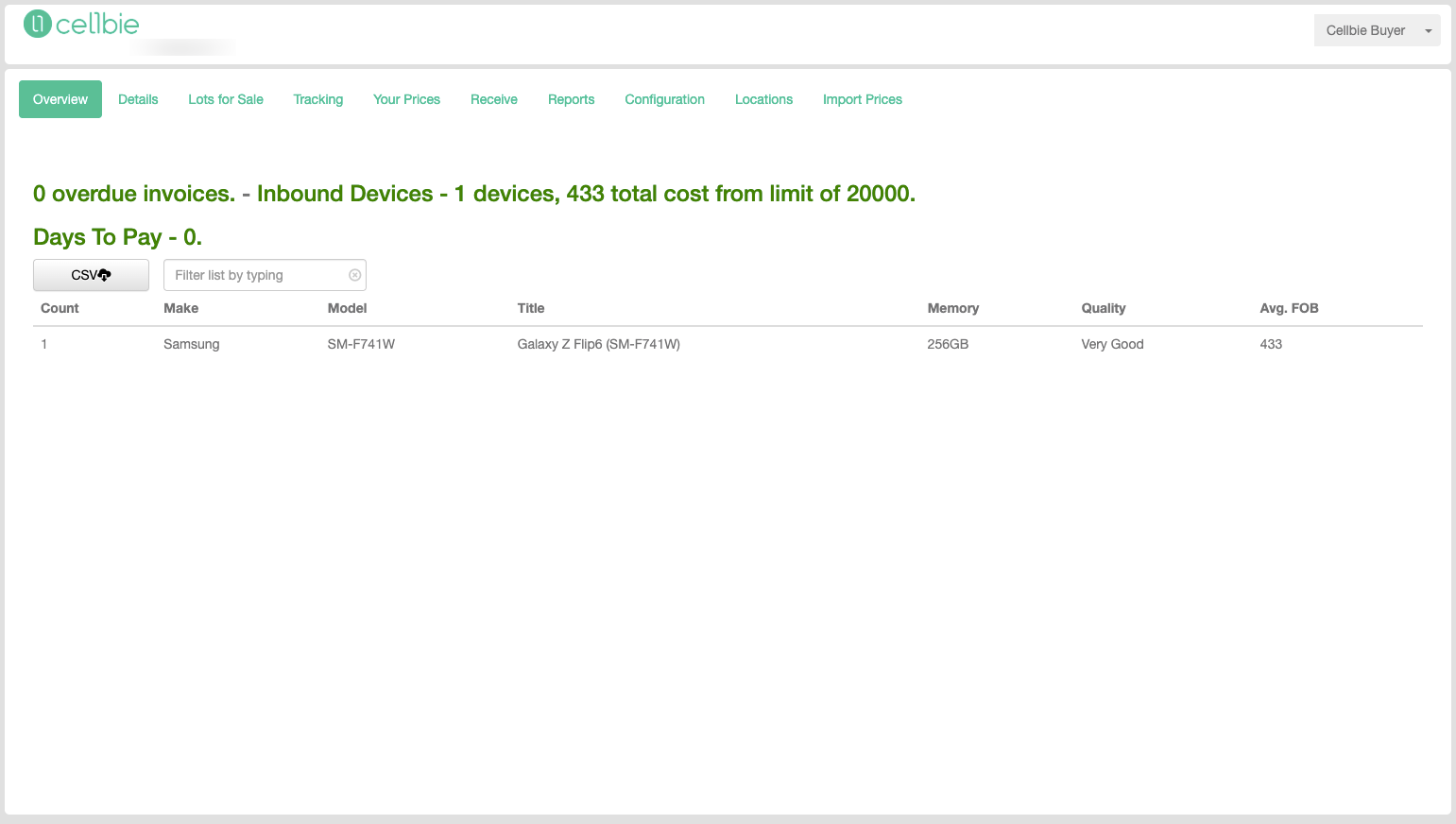
The inbound table shows all devices currently being shipped to you, including IMEI, description, condition, price, tracking number, shipped date, and status. Click any tracking number to open the carrier's tracking page.
Receiving from Details
You can receive devices directly from the Details tab. Click on a device row to bring up the receiving dialog with device details and grading information.
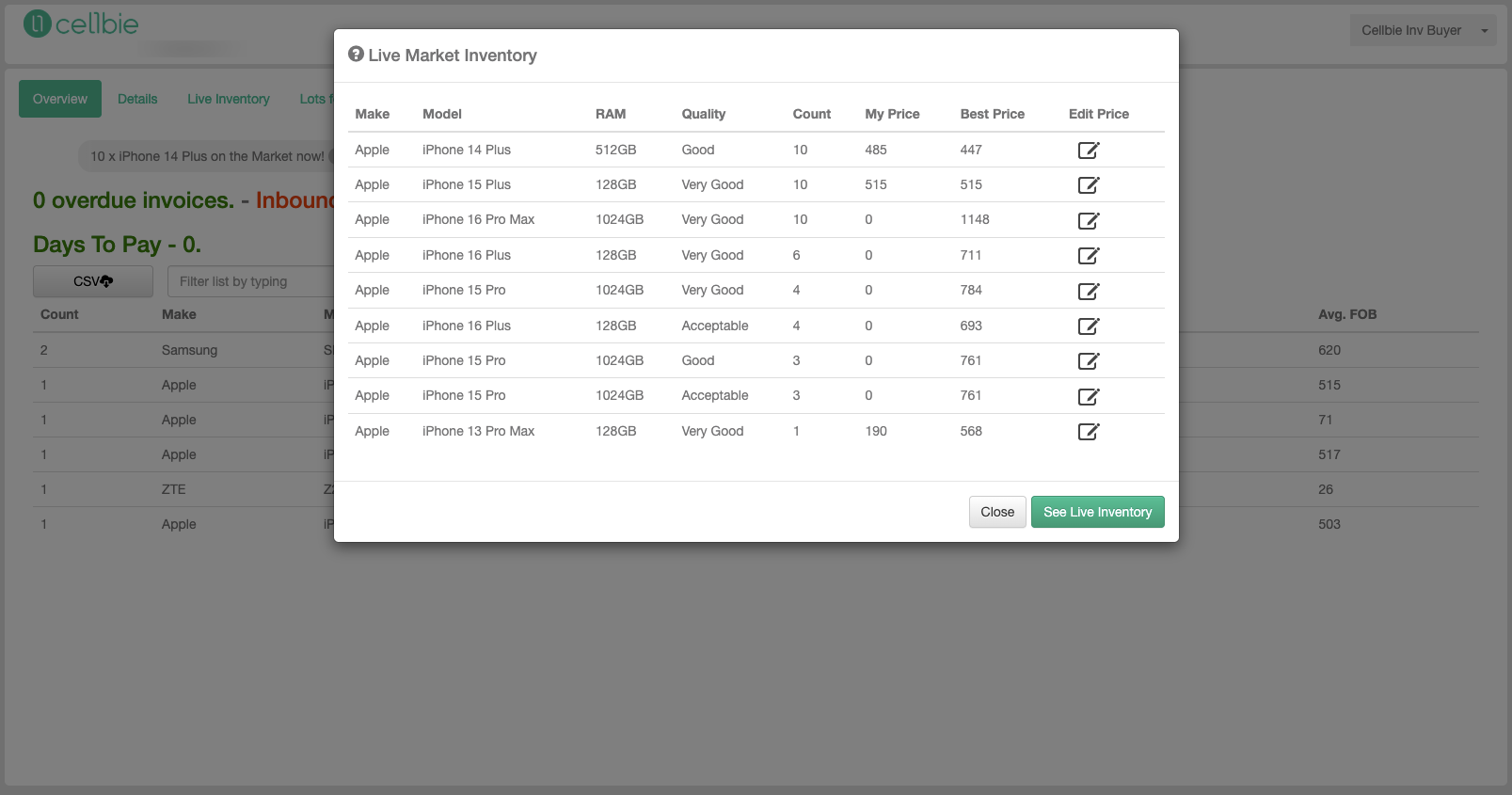
Live Inventory alerts
Alerts for devices currently being processed by sellers that match your price list. These haven't shipped yet but give you visibility into upcoming supply. Monitor this section to anticipate inventory arrivals.
Tracking
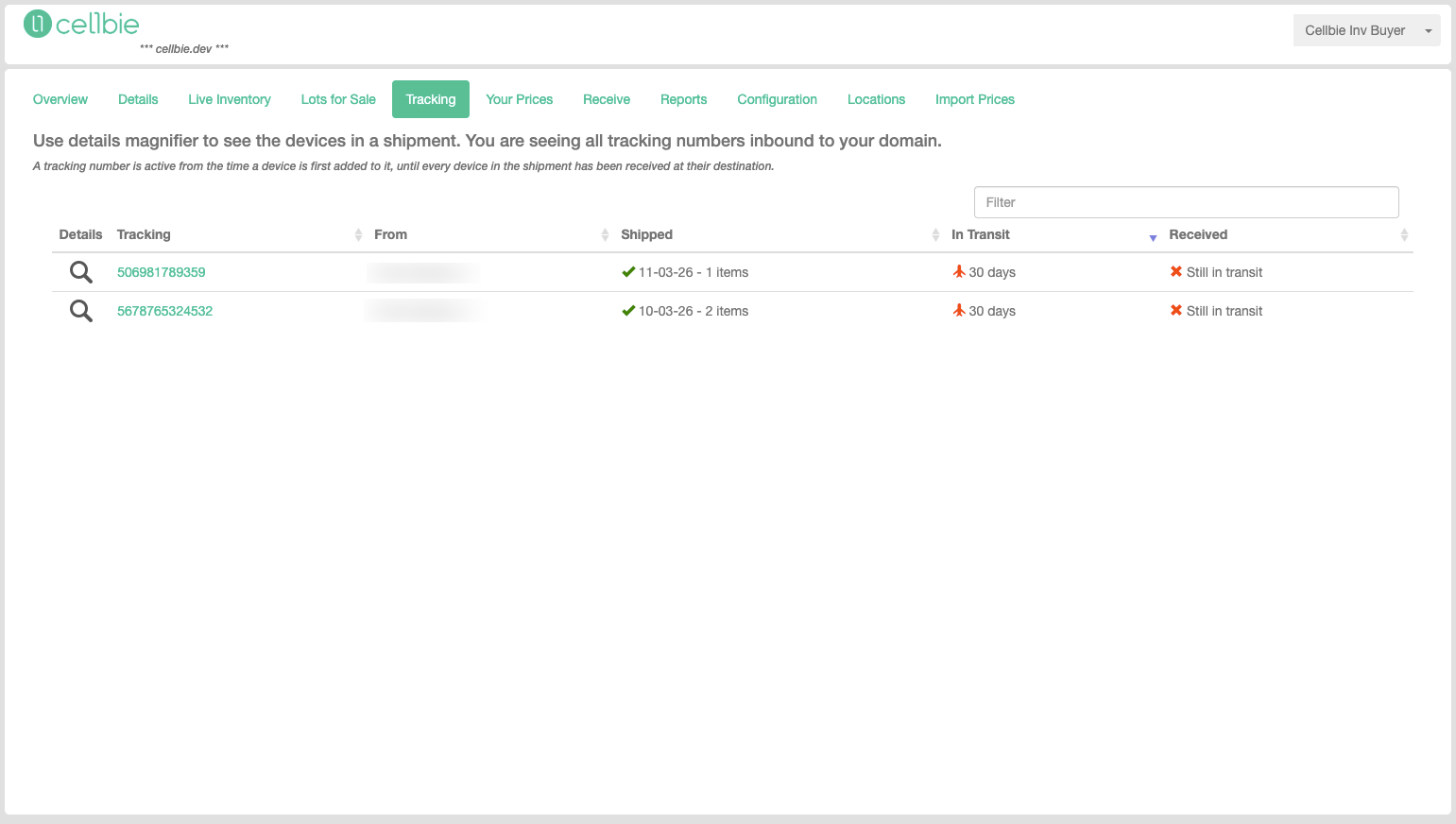
Monitor all shipments en route to your facility.
Shipment Table
The sortable table shows:
- Tracking # — click to open carrier tracking
- From — seller/origin name
- Shipped — date and device count
- In Transit — days since shipment
- Received — devices received vs. shipped (e.g., “50 of 63 - 58 days”)
Your Prices
Set and manage your pricing across all device models and conditions.
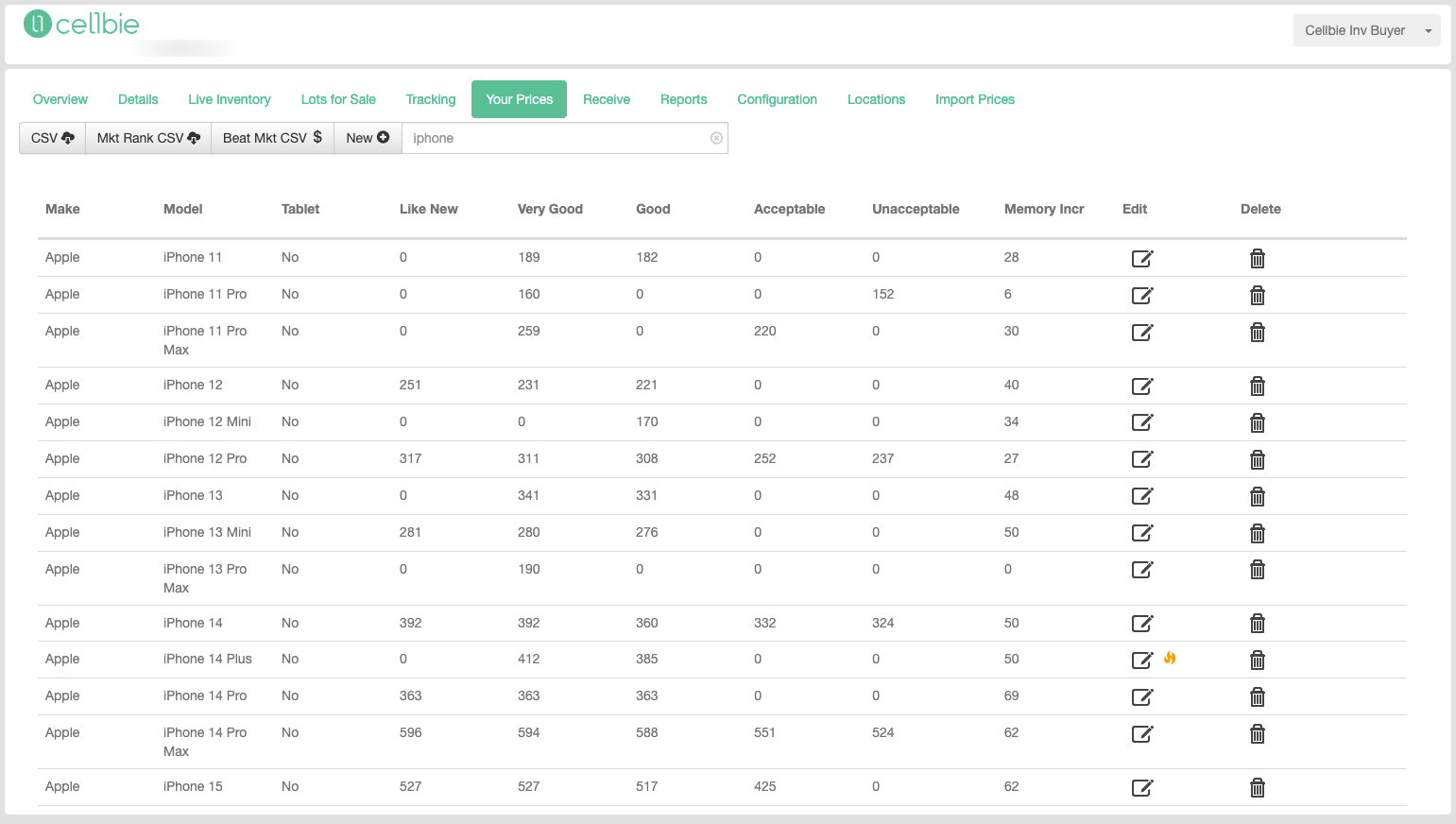
Price List
Your current prices displayed in a sortable, filterable table showing make, model, storage, prices for each condition, and Market Rank per row. Use the search and filter tools at the top to find specific devices.
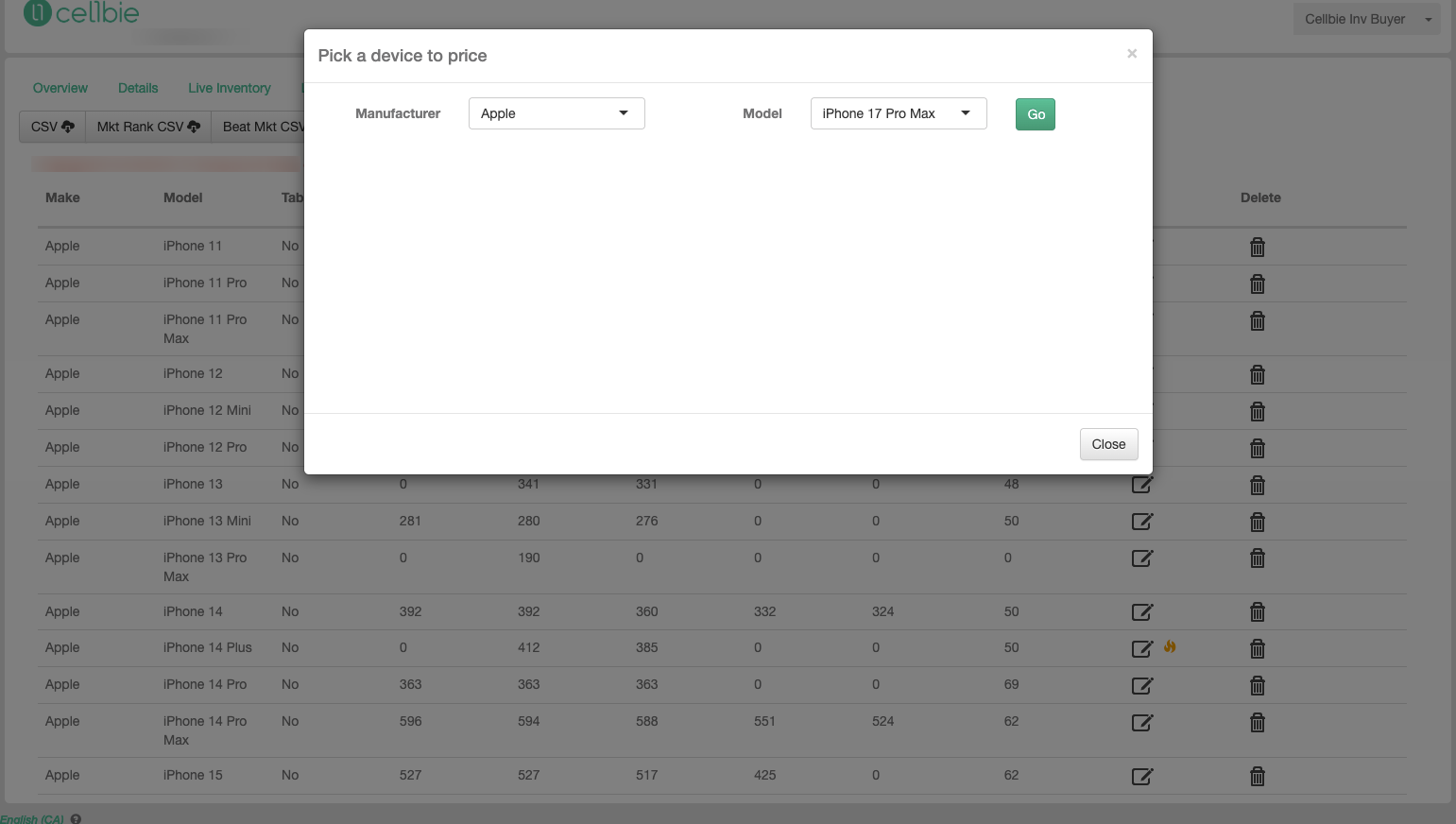
Adding New Devices
- Click “Add Device” (or the + button)
- Select Make, Model, Storage from the dropdowns
- Enter your prices per condition
- The system shows the current Market Rank for each price you enter
Editing Prices
Click any price cell in the table to edit it inline. The Market Rank updates in real-time as you adjust your price, showing whether you're competitive.
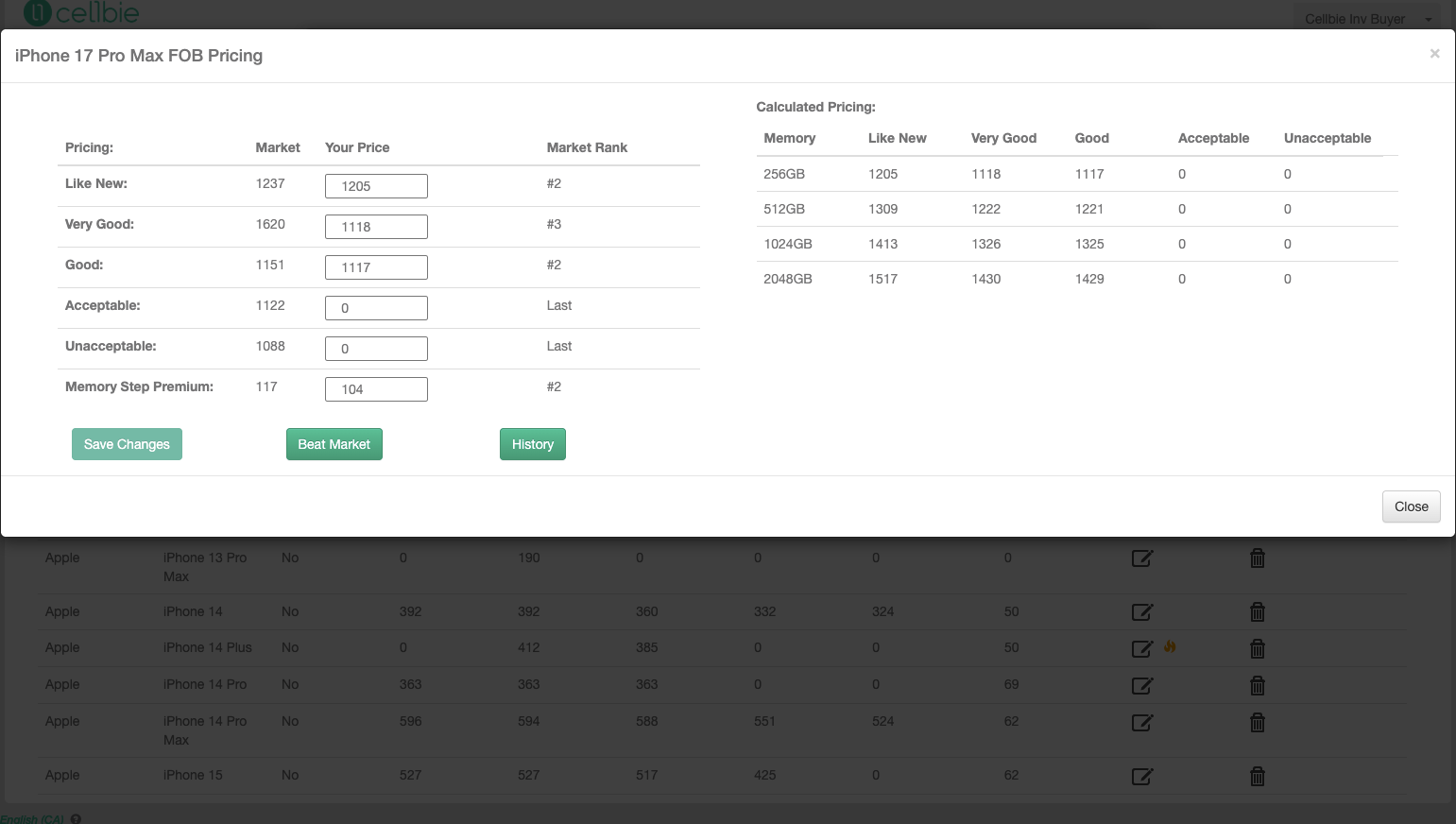
Market Rank
Market Rank shows your competitive position for each device/condition. Rank 1 means you're the highest-paying buyer. Higher numbers indicate less competitive pricing. Updates in real-time as you change prices.
Reports
Generate reports for all devices purchased through Cellbie.
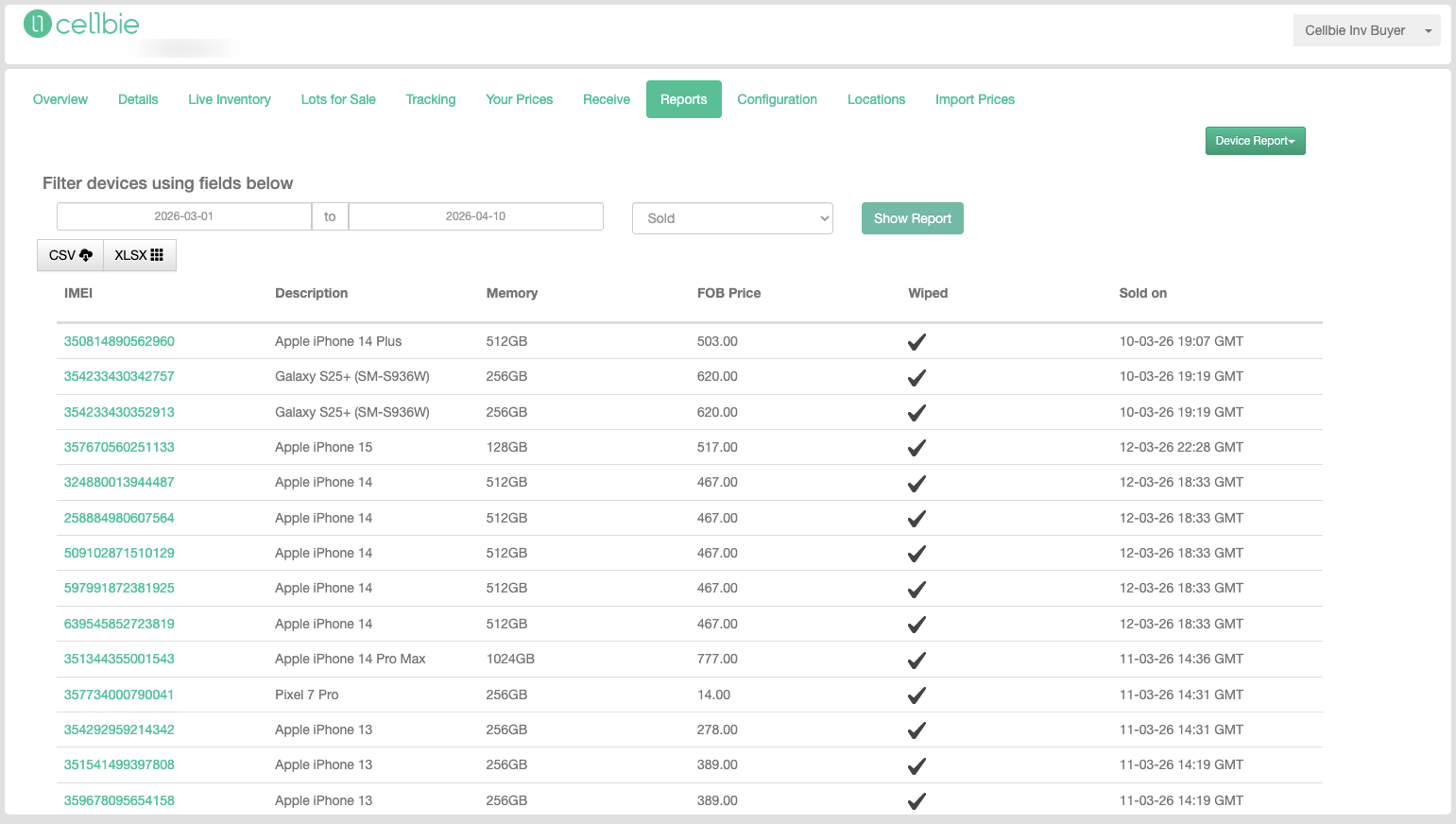
Filter by date range and device status. The on-screen report includes IMEI, Description, Memory, FOB Price, Wiped status, and Sold date. Select “Device Report” from the dropdown for single-device or multi-device lookups by partial IMEI, Make, Model, Timeframe, and Customer.
Account & Support
Accessed from the username dropdown in the upper-right corner.
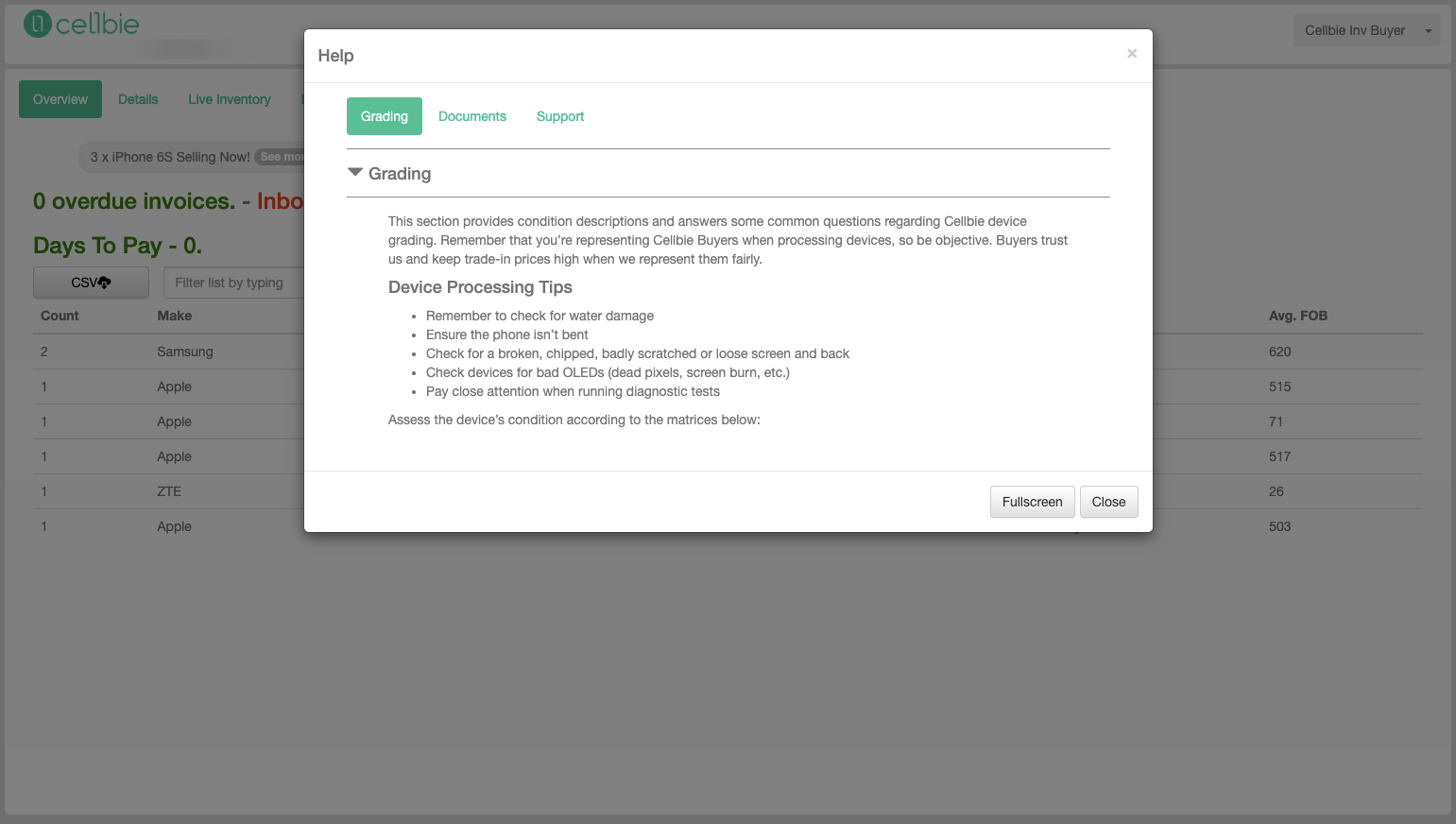
Help
Opens the Cellbie Training modal with three tabs:
- Grading — device condition descriptions and processing tips
- Documents — up-to-date documentation
- Support — contact info and FAQ
Still have questions? Contact support →
Related documentation